Section-19, Cable bundle 1, installing the lower CEC enclosure (XC2) cable tie bar and connecting cables
Procedure
-
Separate the CEC Enclosure XC1 (upper) and CEC Enclosure XC2 (lower) cable tie bars. Cut the
orange plastic ties that fasten them together. See Figure 1.
Figure 1. CEC enclosure cable tie bars fastened together 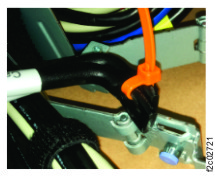
-
Locate the cable tie bar with a white location code label on the right end with CEC bundle 1 -
CEC (XC2 - Lower). See Figure 2.
Figure 2. Lower CEC cable tie bar location code label 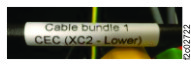
-
Install the nut clips for the lower CEC (XC2) cable tie.
Install a nut clip in rack rail-hole 5 (white arrow), left and right sides. See Figure 3.
Figure 3. CEC enclosure cable tie bar screw position 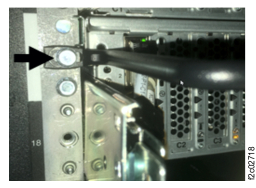
-
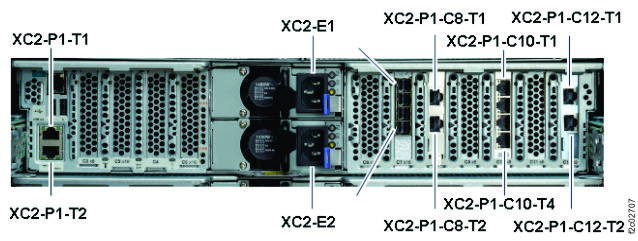
Connect the cables to the CEC (XC2, lower). See Figure 4.
Figure 4. CEC enclosure location codes (rear view) (Models 983)